
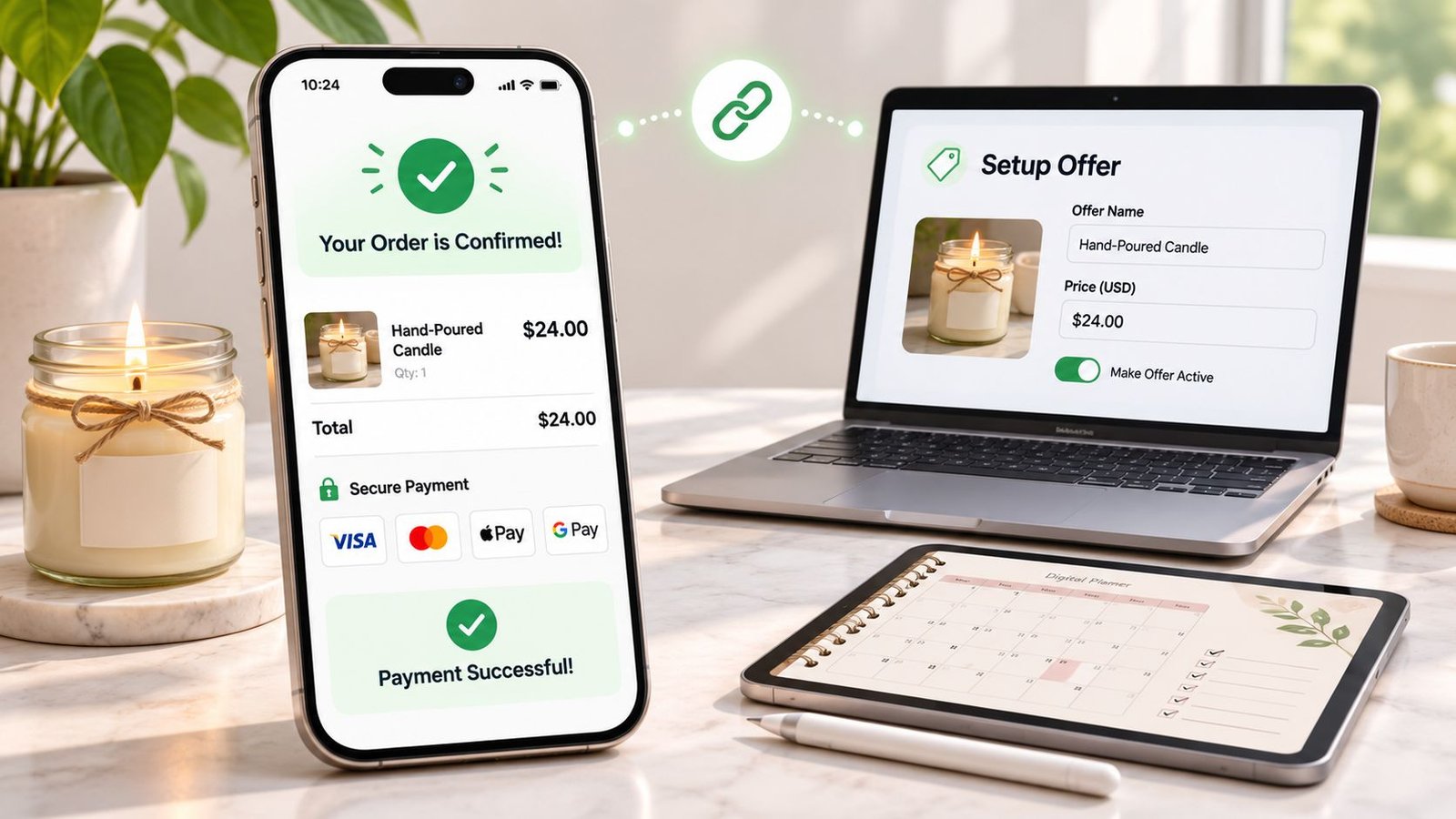
A customer has agreed to buy through a direct message, but there's no checkout ready. Sending bank details feels awkward, building a shop would delay the sale, and an invoice still leaves delivery instructions scattered across emails. A payment link can solve that problem, provided it explains the purchase as clearly as it collects the money.
For sellers learning how to create a payment link, generating the URL is the easy part. The useful work is defining the offer, making checkout unambiguous and keeping a record of what happens after payment.
Table of Contents
- What a Payment Link Is and How to Build One
- What Buyers Must See Before They Pay
- Checkout Wording and Payment Options
- Cancellation and Refund Wording to Get Right
- Sharing Your Link Without Losing Buyer Trust
- Test Your Link Before You Share It
What a Payment Link Is and How to Build One
A payment link is a shareable page that takes a buyer from an offer to payment without requiring a full website, shopping basket or emailed invoice. It can support a hypothetical 60-minute consultation, a set of hand-poured candles or a downloadable planner. Each needs a different delivery promise, even when the payment process looks similar.
Internet sales represented 27.5% of total UK retail sales in 2025, according to the Office for National Statistics. That makes a readable, mobile-friendly offer page a practical starting point, not a finishing touch.
A product page provides a useful model: the buyer should understand the item before reaching the payment form.
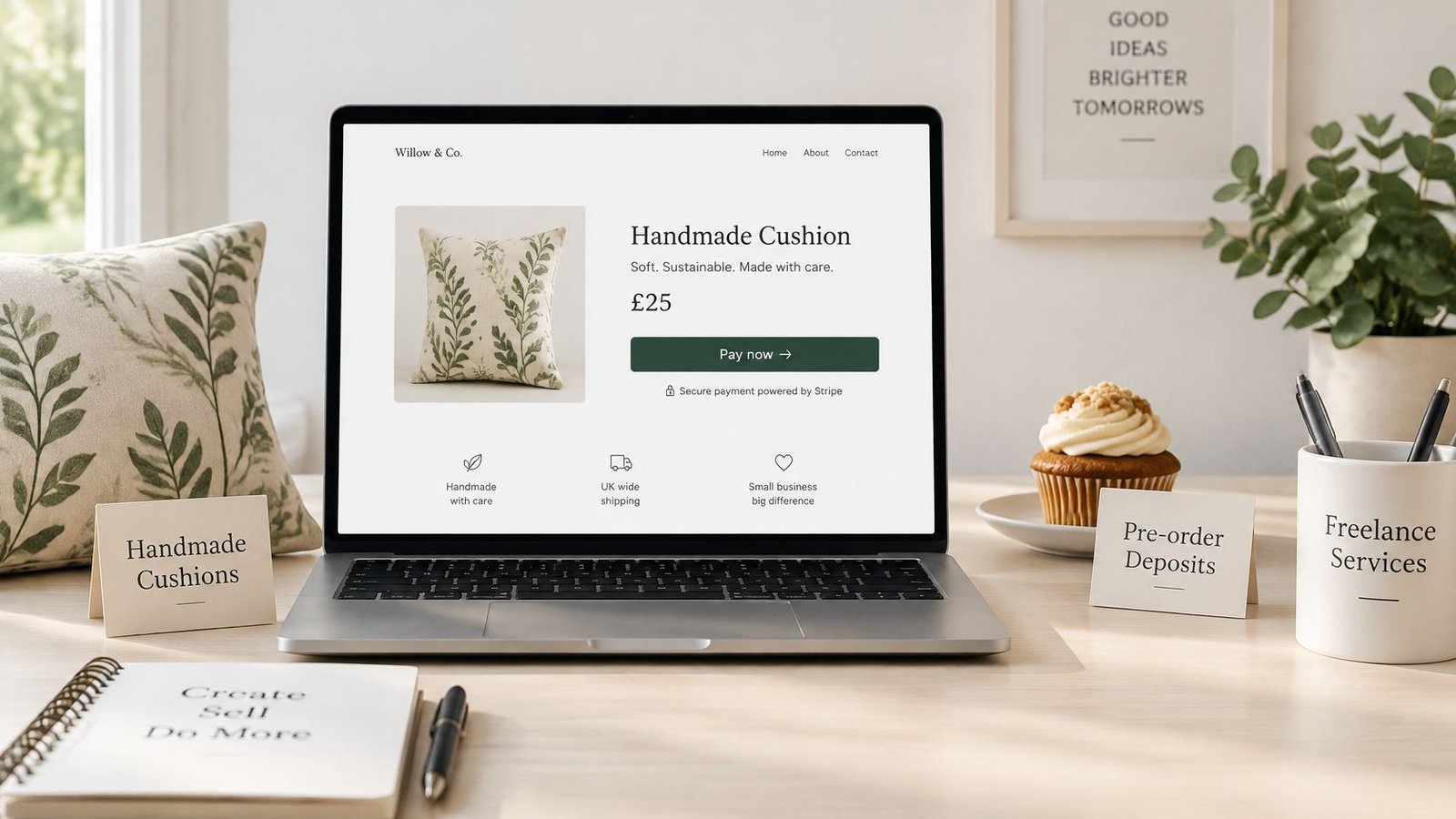
Build the offer before generating the URL
Menu names differ between payment providers. The reliable sequence is to complete the seller account, open the offer or payment-link editor, enter the commercial details, then publish.
Name the offer plainly. Use the words a buyer would recognise. For a hypothetical design package, Logo design, two concepts and two revisions communicates more than an abstract package name. Add the seller's business identity and support contact, and complete any account verification and payout details the provider requires.
Describe the scope and exclusions. Explain what's included, what the buyer must supply and how long the work takes. A consultation description should distinguish the appointment from any written follow-up. A candle listing should identify the actual set, not merely show a lifestyle photograph.
Set the price and currency. Specify whether VAT applies and whether postage or booking charges are included. Configure applicable charges rather than mentioning them only in a description. A price displayed in pounds shouldn't become an unexplained different total at checkout.
Choose the offer type. Select physical product, digital product, service or live session where the editor supports those categories. This helps organise the information needed for delivery, access or booking. It doesn't replace writing those details.
Add fulfilment instructions. Distinguish dispatch from arrival for posted goods. For downloads, explain how access arrives and what happens if it doesn't. For appointments, state whether buyers choose a slot before paying or receive booking instructions afterwards.
Configure extras and limits. Add optional extras only when their scope and price are clear. Set stock limits, booking windows or purchase restrictions where supported. Avoid selling an appointment that can't be fitted into the calendar.
Select suitable payment methods. Confirm which methods the provider supports for the account and buyer's location. Check transaction charges, refund handling and reconciliation before enabling options. For appointment-based businesses, Coachful's guide to how coaches recover failed payments is a useful follow-on resource for planning unsuccessful-payment handling.
Publish and copy the shareable link. Use the editor's sharing control rather than copying an address from an active checkout session. Open the published page on a phone before sending it.
Apply the buyer-side test
AmaJova's OfferLink brings the offer, price, seller information, fulfilment details and a secure way to pay into one place. That's the right standard for assessing a payment page, regardless of the tool used.
Ready-to-share test: A stranger should be able to identify the purchase, total cost and delivery promise without sending a message.
The main offer summary should be easy to scan on a small screen, with a clear route to payment. If the page leaves basic questions unanswered, the link isn't ready.
What Buyers Must See Before They Pay
Scope, total cost and delivery arrangements belong before checkout, not in a message sent after payment. A buyer shouldn't need to commit money to discover what the seller is promising.
For UK consumer distance sales, GOV.UK's distance-selling guidance requires clear information including the business name and contact details, description, total price including taxes, accepted payment methods, delivery arrangements and costs, applicable cancellation rights, and relevant contract duration and termination conditions. It also requires an explanation of when cancellation rights are lost and a standard cancellation form where those rights apply.
What each offer type must state before payment
| Offer type | Must state before payment | Common gap |
|---|---|---|
| Physical product | Item, variants, total price including delivery, dispatch time | Delivery cost added only at the final step |
| Digital product | File format, how access is sent, any licence limits | Buyer expects a physical copy |
| Service | Scope, number of sessions or deliverables, start and end dates, exclusions | Vague scope leads to disputes |
| Live session | Date, start time with time zone, duration, joining instructions, recording policy | Time zone not stated |
These details should describe the actual offer rather than rely on broad terms buried elsewhere. For a downloadable planner, that means stating that it's a digital file and identifying the software or device requirements needed to use it. For a service, it means separating included deliverables from additional work.
Live events need particular care around the advertised price and admission conditions. Express Text's resource on pricing concert tickets transparently offers a related perspective for sellers packaging paid attendance.
Check the gaps, not just the completed fields
A completed editor isn't proof of a complete offer. Sellers should inspect the published page as someone unfamiliar with the business and write down every question still needed to make a buying decision.
- Resolve assumptions. State whether a photographed accessory, printed copy or recording is included.
- Separate timing promises. Explain when an item leaves the seller and when the buyer should expect it.
- Review the seller view. AmaJova lets sellers see seller information, price and fulfilment expectations before the buyer pays.
Any unanswered question affecting the purchase belongs on the page, not solely in private correspondence.
Checkout Wording and Payment Options
The final button must clearly communicate that placing the order creates an obligation to pay. UK government guidance on the Consumer Contracts Regulations gives “pay now” as an example, and says the main characteristics, complete price including delivery and other charges, and relevant minimum contract duration and termination method must be prominent immediately before ordering.
Vague button labels obscure the moment of commitment. A checkout should also preserve the buyer's selected variant, extras and quantity in its final summary.
Choose methods that can be supported properly
Cards and digital wallets are sensible starting options for an online offer, where supported. Familiarity matters, but so do the seller's fees, administrative workload and ability to match a payment to an order.
- Cards and wallets. Check their availability on the actual published checkout, including on mobile. Display genuine provider security information, not decorative badges implying protection that hasn't been established.
- An alternative route. If an offline arrangement is offered, explain how the customer requests it and when an order becomes confirmed. A manually arranged bank transfer is still a digital payment, even if it happens outside the checkout.
- Manual reconciliation. Any agreed transfer process needs a business payment destination, an order reference and a stated confirmation process. It shouldn't be introduced through an unexpected message changing the original payment instructions.
AmaJova buyers explore the offer and check out using supported payment options. Its guide to accepting payments online provides broader context for organising the payment journey.
More methods aren't automatically better. Every enabled method needs an understandable customer experience and a workable accounting process.
After successful payment, the intended journey should include a confirmation screen and receipt identifying the purchase and next step. Sellers should verify how their chosen setup delivers those records rather than assume that a successful charge means every notification has worked.
Cancellation and Refund Wording to Get Right
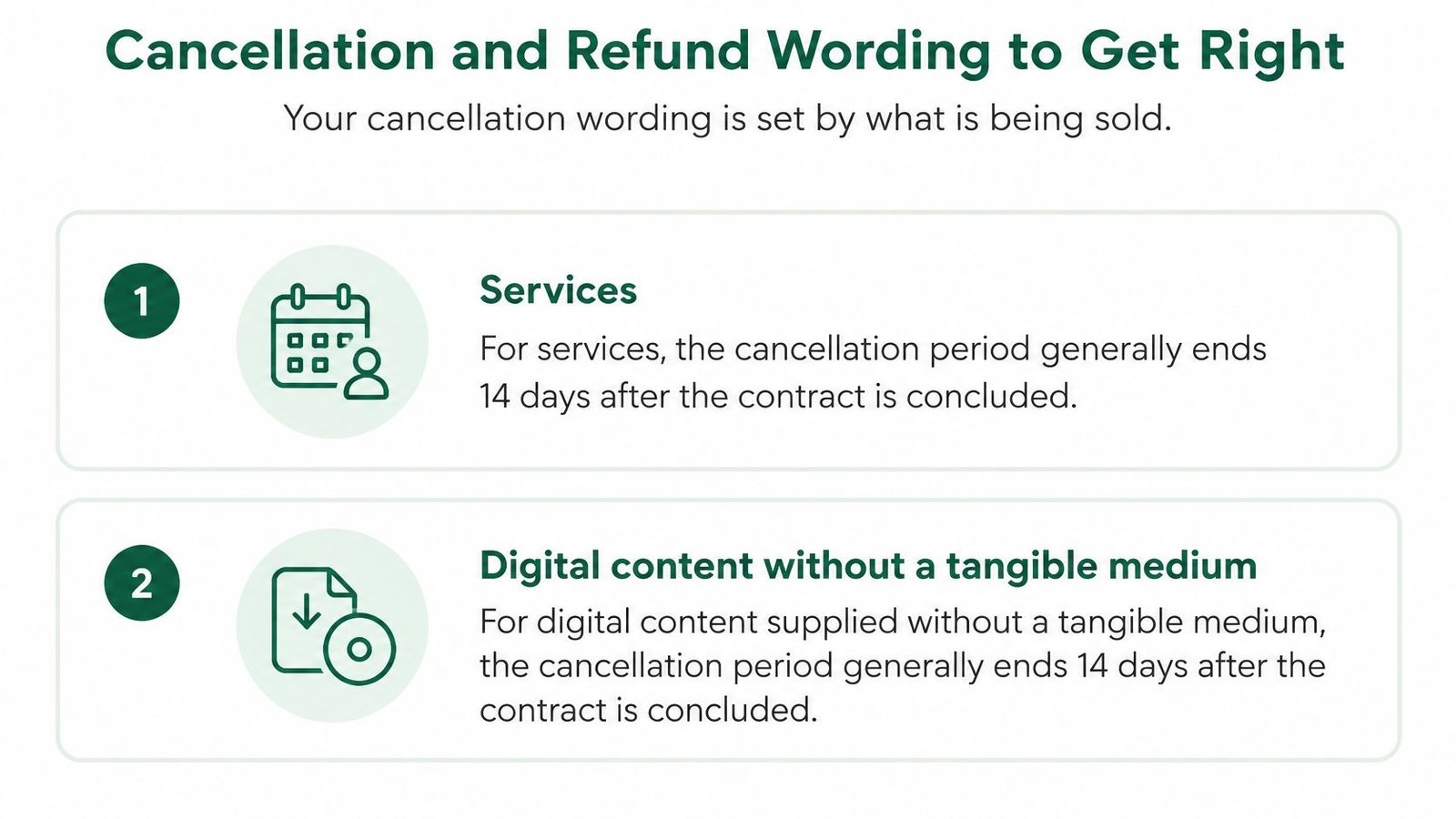
Cancellation wording starts with what's being sold. Under regulation 30 of the Consumer Contracts Regulations, the period generally ends 14 days after the contract is entered into for services and digital content supplied without a tangible medium, and 14 days after physical possession for ordinary goods, as detailed below.
Cancellation period by what is sold
| What is sold | When the cancellation period generally ends | Wording to state on the page |
|---|---|---|
| Physical goods | 14 days after the buyer, or a nominated person other than the carrier, takes physical possession | Delivery date, return process and refund timing |
| Service contract | 14 days after the contract is entered into | Start date, cancellation deadline and how to cancel |
| Digital content without a tangible medium | 14 days after the contract is entered into | How access is delivered and how to cancel |
These are general statutory starting points, not a universal policy for every transaction. A seller shouldn't copy goods-return wording onto a download or assume that immediate access automatically removes cancellation rights.
The distinction is especially important for services and digital access.
Make the refund process usable
Where a consumer validly cancels, the Consumer Contracts Regulations generally require reimbursement within 14 days, with goods timing linked to receipt of returned items or evidence of return, and service timing running from notification of cancellation. The same regulations permit a diminished-value deduction where goods have been handled beyond what's reasonably necessary to inspect them.
Practical wording must explain the process, not merely announce that a policy exists.
- Publish the applicable terms. Put cancellation information before payment and explain how notice reaches the seller.
- Address early supply. Explain any applicable loss of cancellation rights and obtain the required consent or acknowledgement. Provide a standard cancellation form where required.
- Preserve evidence. Retain the accepted offer, delivery or access records and relevant messages together.
- Name the escalation route. Identify the support and dispute process without implying that it replaces statutory rights.
AmaJova's refunds and cancellations information is relevant to transactions handled through the platform. Exceptions, sector-specific rules and jurisdictional differences require a check against official guidance and, where needed, professional advice.
Sharing Your Link Without Losing Buyer Trust
A payment link is easy to copy. Buyers therefore need a way to establish that the page belongs to the seller they intended to pay, rather than a convincing impersonator.
The risk isn't theoretical: UK Finance reported £159 million in e-commerce card fraud during the first half of 2025, up 9% year on year, as summarised by The Payments Association. Offering another wallet button won't answer a buyer's concern about an unfamiliar recipient.
The surrounding message should make the reason for payment clear.
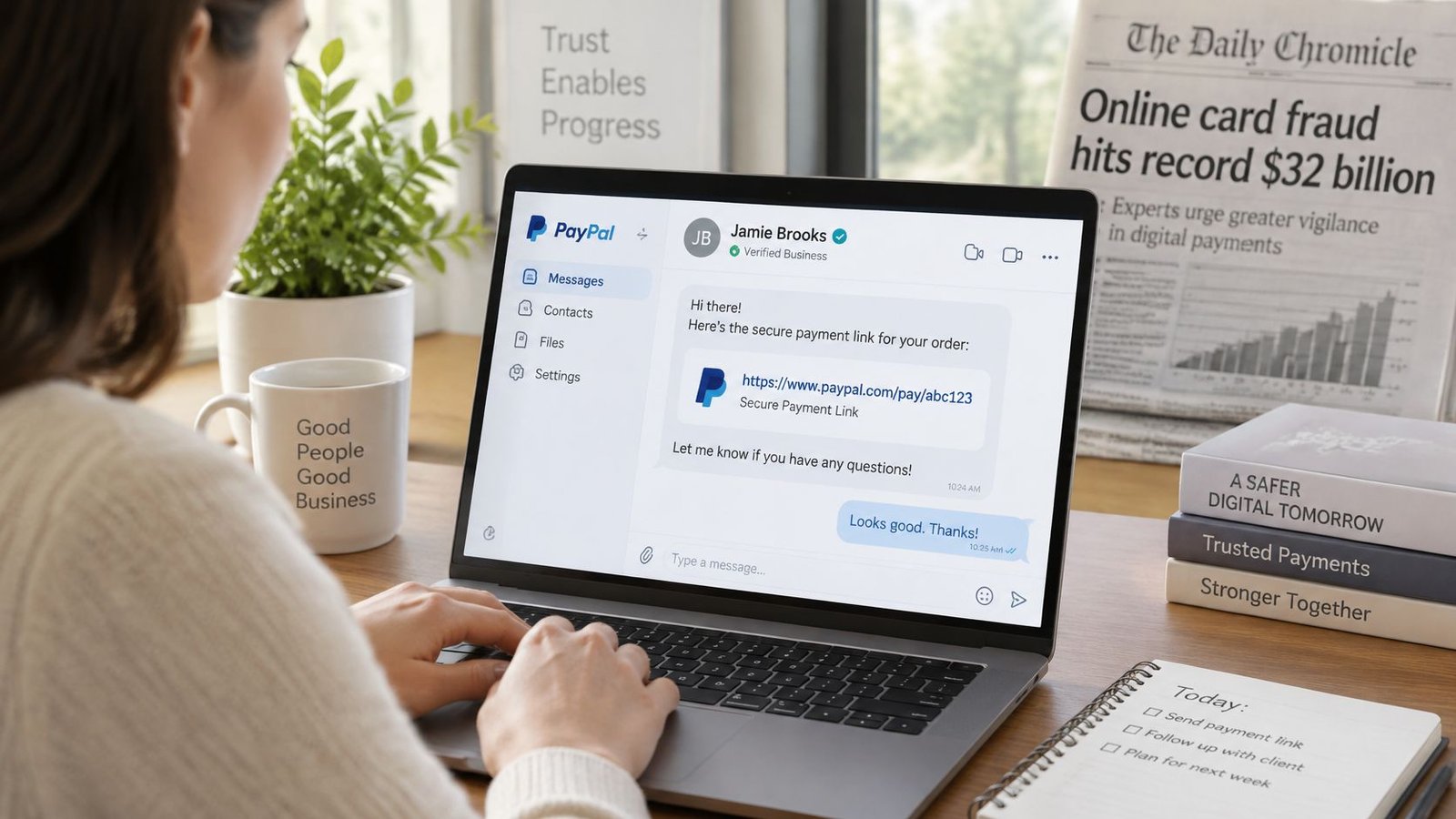
Make the route to payment recognisable
- Start with controlled channels. Share through an established business profile, email address or existing customer conversation. Keep the business name consistent across the message and destination.
- Explain the destination. Identify the offer and payment purpose in the accompanying message. Avoid sending a bare URL without context.
- Keep the original checkout route. Never ask a buyer to move payment into a personal account or outside the checkout through an unexpected follow-up.
- Preserve the conversation. Keep post-sale questions attached to the order or original thread, rather than dispersing instructions across unrelated inboxes.
AmaJova's sharing process uses a single link across bios, social channels, messages, email, paid campaigns or an existing website. Its order page shows messages, delivery or access, timeline, payment record and dispute status together.
Trust check: A buyer should be able to verify the seller through an established channel without relying solely on the payment message.
A recognisable identity helps before purchase; accurate fulfilment records matter afterwards. AmaJova's guide to preventing chargebacks is a useful companion for organising evidence and handling disagreements, without treating documentation as a guarantee against disputes.
Test Your Link Before You Share It
The published page needs a complete rehearsal, not just a preview inside the editor. Private browsing helps reveal whether the buyer journey relies on the seller already being signed in.
For a digital release, Genesize's launch checklist can support wider launch preparation. The payment test still needs to follow the actual purchase through to the seller's records.
Run an end-to-end check
- Open the published link independently. Use a phone and laptop in private browser windows. Confirm that the offer name, currency, selected options and total match the intended sale.
- Inspect the commitment point. Check that payment-button wording is explicit and that contact and cancellation information can be reached before purchase. Test links rather than merely checking that they appear.
- Complete an authorised test. Use the provider's test facility where available. Otherwise, arrange a genuine purchase with a trusted colleague, consistent with provider rules, after checking any charges and refund implications.
- Follow the result. Verify the confirmation screen, receipt and order record. Test access or booking instructions, and ask the tester to report every point of hesitation.
- Fix, then release. Correct unclear wording or broken steps and send the revised link to a trusted contact before wider publication.
A quick setup isn't a reason to skip this rehearsal. A working charge with a missing receipt or unusable download still leaves an unfinished transaction.
The next action is straightforward: create the first offer using the sequence above, complete the purchase test and repeat it whenever a new offer is published.
AmaJova offers a single OfferLink containing the offer, price, seller information, fulfilment details and secure checkout, without requiring a website. Visit AmaJova to create a link for a product, download, service or live session, then test the full buyer journey before sharing it.