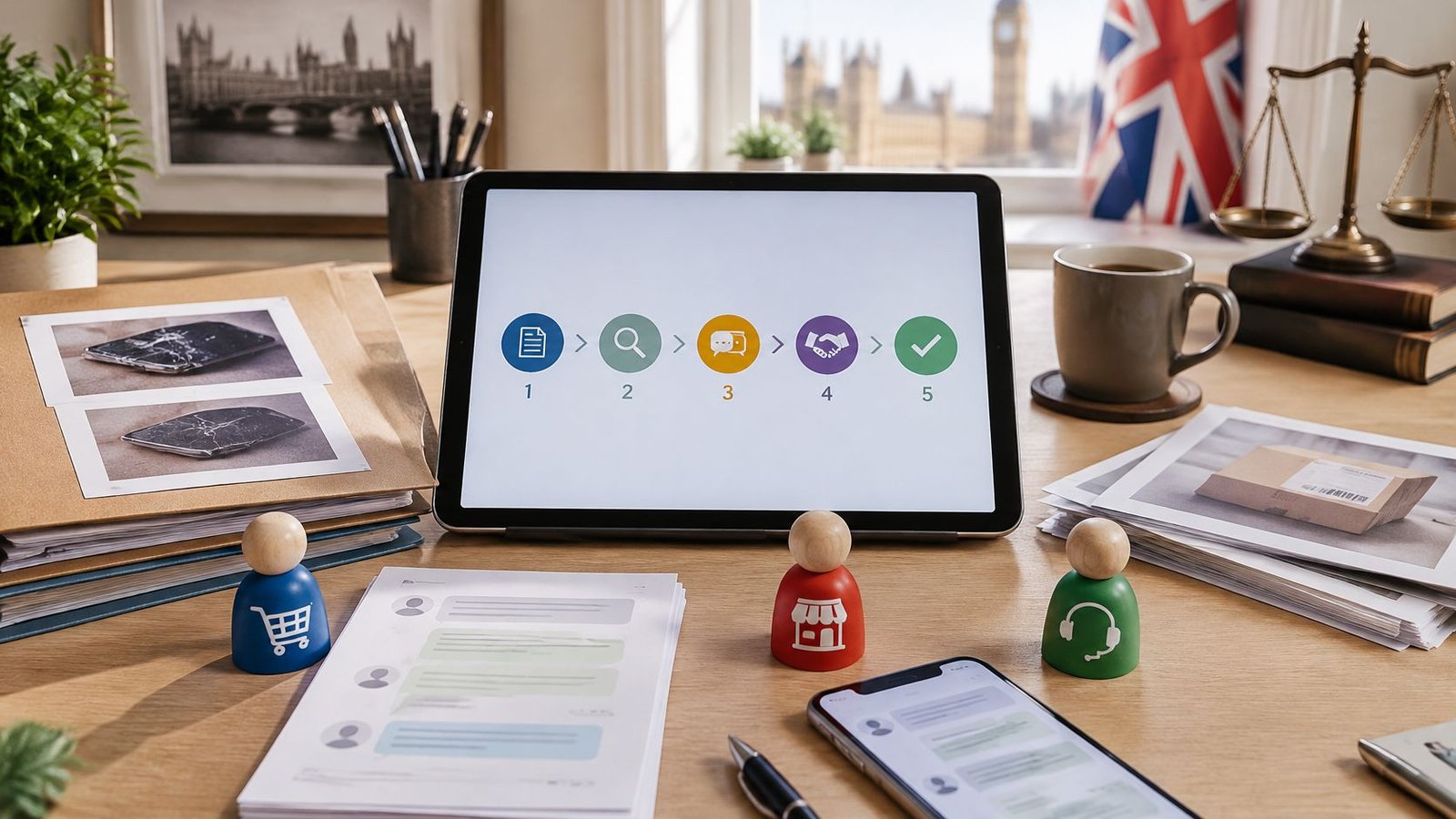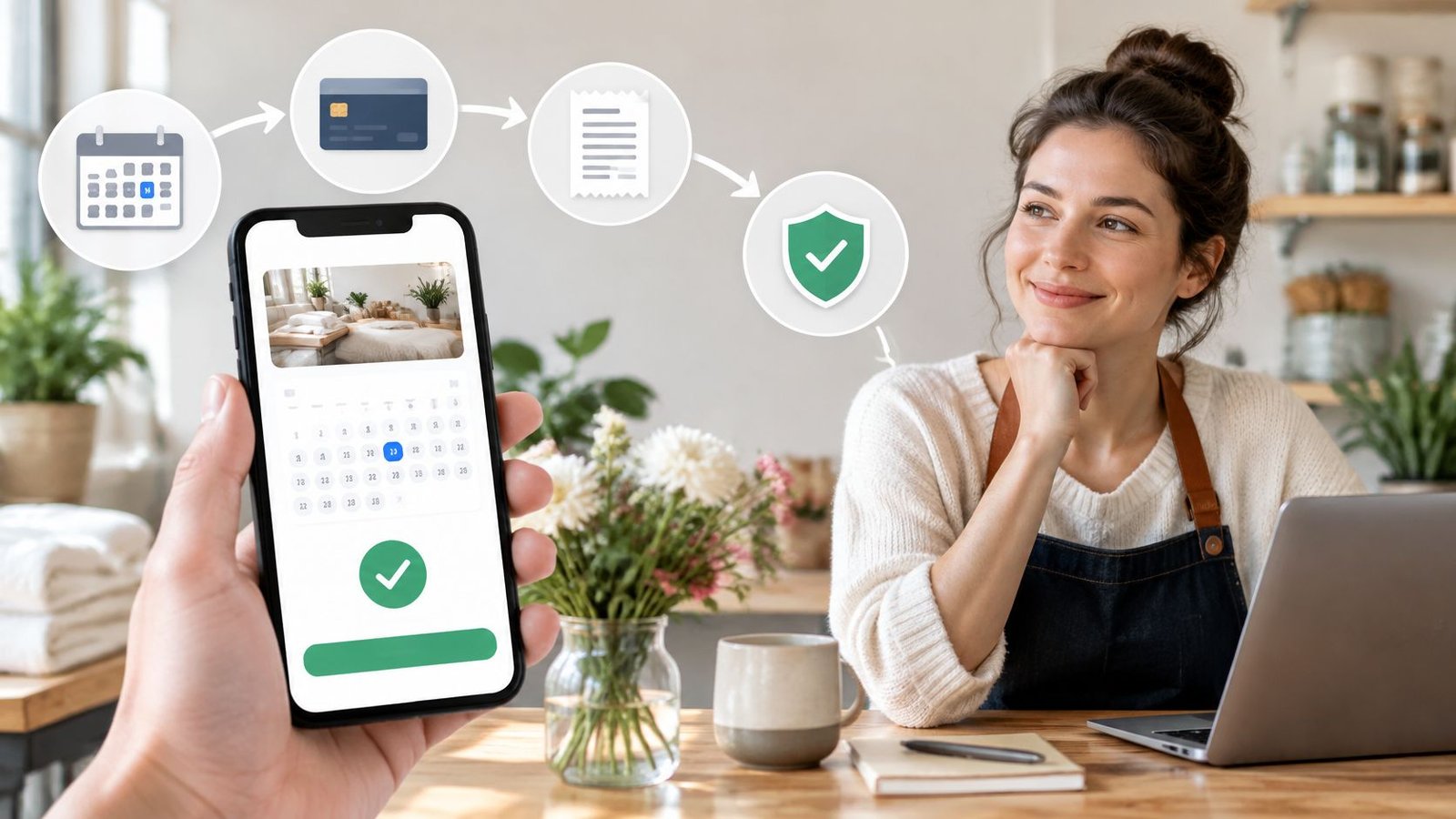

A buyer messages in the evening asking where an order is. The payment sits in a bank app, the delivery details sit in a chat thread, and the dispatch note sits in a spreadsheet. Answering one simple question means opening three places and hoping nothing has changed since the last check. Learning how to keep track of customer orders removes that scramble. One order record per sale, with payment, fulfilment, messages, disputes, an owner and a next action, turns the reply into a thirty second lookup.
Table of Contents
- Why Order Tracking Decides Repeat Sales
- How to Build One Order Record for Every Sale
- Keeping Buyers Updated Through Delivery or Access
- Recording Payments and Keeping Records Safely
- Handling Disputes and Fixing Tracking Gaps
- Set Up Your Tracking Routine This Week
Why Order Tracking Decides Repeat Sales
The working answer is straightforward. A seller keeps track of customer orders by holding one record per sale that shows payment status, fulfilment progress, delivery updates, exceptions and support messages. Every open order has an owner and a next action. Tracking then means knowing, for each order, what has happened, who owns the next step and what the buyer was last told.
Say a buyer asks whether a parcel has shipped. The seller checks a bank app for payment, scrolls a chat thread for the address, then opens a spreadsheet for the dispatch date. Twenty minutes pass before a reply goes out, and the buyer has already chased twice. That gap carries a real cost. In the 2025 Sendcloud survey of 1,000 UK consumers, 64.3% said they would not reorder from a retailer after a failed delivery, and 45% reported problems tracking their most recent order.
Separate lists create contradictions. A spreadsheet says dispatched, a message thread says the buyer changed address, and neither shows which note came later. One authoritative record prevents that mismatch, because every update lands in the same timeline. The result at the end of setup is practical: a stage by stage record, a delivery routine for each offer type, a records policy and a weekly check that keeps the whole system current.
How to Build One Order Record for Every Sale
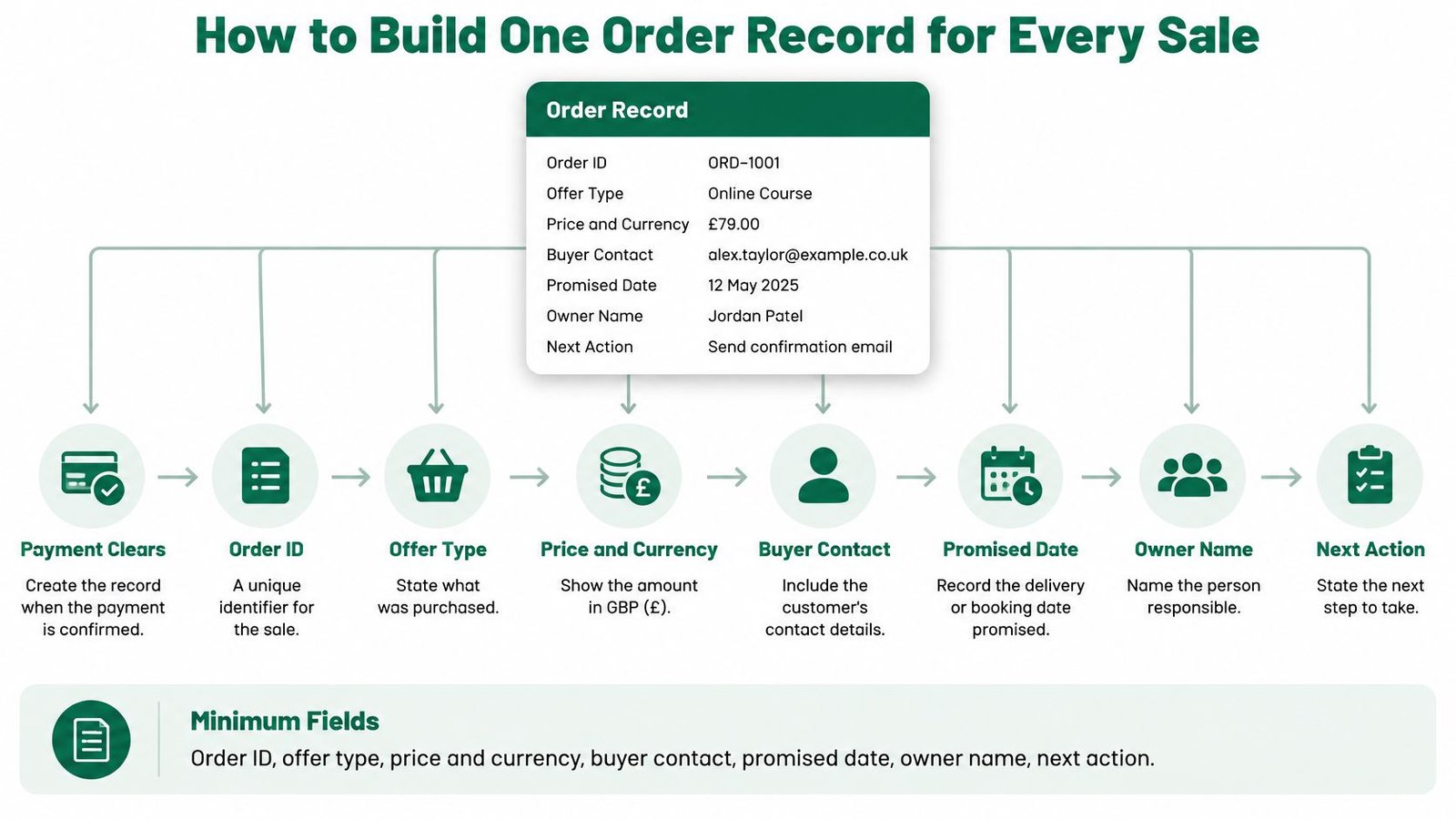
Create the record when payment clears, not when a seller gets round to it. Once the buyer completes payment, an order record is created and the seller can begin fulfilment on AmaJova, which reflects the wider journey: create an offer, share an OfferLink, customers order and pay, then manage and fulfil the order. Sellers using a spreadsheet or another tool can copy the same discipline. The record needs only seven fields to start working.
- Order ID: A unique identifier that never changes, even if the buyer edits details.
- Offer type: Whether the sale is a physical product, digital product, service or live session.
- Price and currency: The amount paid, so refunds and reconciliation tie back to one figure.
- Buyer contact: The route already used for the order, kept inside the record.
- Promised date: The delivery date or booking time agreed at checkout.
- Owner name: The one person responsible for the next move.
- Next action: A plain statement such as pack, send access link or confirm booking time.
Logging each stage as an event
Log each stage as a timestamped event naming the person or system behind it. Never overwrite an earlier state. Adding a new event instead preserves the sequence, so a later dispute can be reconstructed from the record alone. The seller's payout-clearance countdown starts only after the order enters Completed status, which is one reason the final stages need exact timestamps rather than a memory of roughly when things finished.
| Stage | What to record | Set by | Done when |
|---|---|---|---|
| Order created | Order ID, offer type, price, buyer contact | Checkout | Order record exists |
| Payment cleared | Payment status, amount, currency | Payment | Payment shows as cleared |
| Seller accepted | Owner name and promised date | Seller | Owner named and date set |
| Fulfilment started | Start time and work notes | Seller | Work is underway and logged |
| Dispatched or access granted | Carrier, tracking number or access link | Seller | Buyer has the item or the link |
| Delivered or session completed | Delivery scan or attendance record | Carrier or seller | Evidence is stored on the order |
| Buyer confirmed or auto-completed | Confirmation time and review period end | Buyer or order rules | Order status is Completed |
| Payout released | Payout clearance date and amount | Payout cycle | Payout date recorded against the order |
An order with no owner is the one most likely to be forgotten, so the owner and next action belong on the record at acceptance, not later. Sellers who also handle bookings can see the same owner and promised time logic in an online booking and payment system applied to scheduled work. Where selling rules differ by place, the record should also note the jurisdiction in play, since requirements such as the Texas rules for selling homemade food sit outside UK practice and shouldn't be mixed into a UK order file.
Pick any paid order and answer three questions from the record alone. Who owns it, what happens next, and what was the buyer last told? A record that can't answer all three isn't finished.
Keeping Buyers Updated Through Delivery or Access
A dispatched parcel, an accessible download and a completed service are different milestones. Use the order record to show what the buyer can expect next, then update it when that step happens. Sellers can see whether each order is received, in progress or delivered, so buyer messages should use the same status language.
The promised date check
- Check the carrier scan: Compare the latest scan with the promised date.
- Message before the deadline passes: If there is no scan, tell the buyer what is known and what happens next.
- Assign overdue follow-up: Record the reason for the delay and name an owner for the next action.
Under the GOV.UK online selling guidance, goods must normally be delivered within 30 days unless a different period was agreed with the customer. Confirm the contract as soon as possible and no later than delivery, in a format the customer can save, such as email. For services and digital products, confirmation is due no later than when the service starts or the digital content is downloaded. Keep the order date, promised date, dispatch confirmation, tracking reference and any revised delivery agreement together.
| Offer type | What fulfilment means | Record as complete when |
|---|---|---|
| Physical product | The seller dispatches the item with a carrier | Delivery evidence is stored on the order |
| Digital product | The seller provides files or access through the buyer's order record | The files or access have been provided |
| Service | The seller completes the agreed work and submits completion details through the order | Completion details are logged and the buyer confirms, or the applicable review period ends |
| Live session | The seller shares booking instructions and completes the scheduled session | Attendance or completion is logged against the order |
Keep one definition of complete across the whole order record. For sellers who also use Shopify, understanding Shopify order fulfillment statuses offers terminology to compare. Record any delivery or access need on the order, alongside the buyer's messages and the action taken. A clear timeline lets the next person handling the order see what was promised, what was delivered and whether the buyer has confirmed completion.
Recording Payments and Keeping Records Safely
The payment line is the part of the order timeline that accounting will ask for later. If the order ID, amount and tax are not on that same record as delivery evidence and buyer messages, you rebuild the sale from inboxes.
Each order should carry the order ID tied to the invoice or receipt, the items sold, price and tax where applicable, delivery or completion evidence, refunds and key buyer messages. Log the payment the day it clears, and once a week scan open refunds against the same order IDs. On AmaJova, the order page shows messages, delivery or access, timeline, payment record and dispute status in one place, so reconciliation starts from a single history. A secure checkout summary strengthens that link, because the amount, currency and order reference match from payment through to completion.
The six year rule and its limits
The HMRC compliance handbook guidance sets a general expectation that tax and accounting records are kept for six years from the end of the relevant accounting period, not from the invoice date. Private limited companies have a shorter Companies Act period for their accounting records. The right period depends on the business's structure, so confirm it with an accountant before you archive or delete. A tax file and a buyer profile are not the same store: holding an invoice for accounts does not justify holding every personal detail for that full span.
Guidance on how to manage shipping and tax payments is useful background on separating those amounts, but it doesn't replace that professional check.
| Record | Purpose | Keep for | Review rule |
|---|---|---|---|
| Invoice or receipt linked to order ID | Accounts and tax | Six years from the end of the relevant accounting period, per HMRC guidance | Check with an accountant |
| Delivery notes and dispatch evidence | Proof of fulfilment | The accounting-record period for your company type, often shorter than the tax period for a private limited company | Review at each year end |
| Refund and dispute records | Disputes and accounts | Until the dispute is resolved, then as your accounting rules require | Review when the dispute closes |
| Buyer messages | Support history | Only as long as the stated purpose requires | Delete or anonymise at the review date |
| Delivery or access preferences | Fulfilment | While the order needs them | Remove once the order completes |
Under UK GDPR's storage limitation principle, personal data shouldn't be kept longer than needed. A short policy covers the essentials:
- Name the fields: List which fields serve fulfilment, support, accounting or disputes.
- Set a review date: Assign one to each record type when the order closes.
- Restrict access: Limit records to staff who need them.
- Delete or anonymise: Act once the stated purpose and retention requirement end.
That keeps one auditable history of payment, fulfilment, messages and disputes without holding every buyer detail indefinitely.
Handling Disputes and Fixing Tracking Gaps
A clean timeline breaks at predictable moments. A buyer disputes an order, a delivery fails, or a live session ends with no attendance record. Each break needs a flag, a first response and a named owner, not a note buried in a message thread.
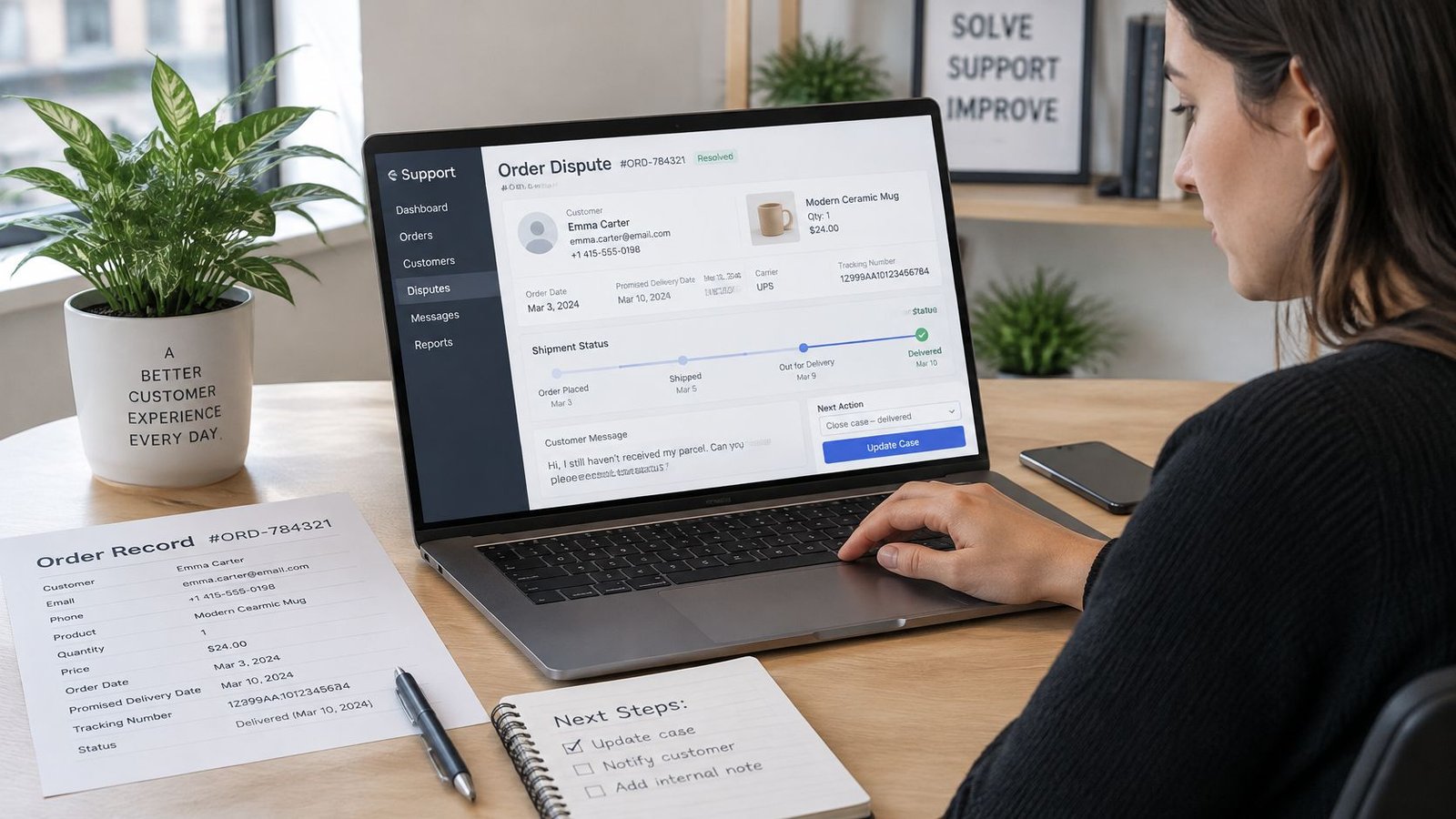
Say a buyer reports that a parcel hasn't arrived. The owner checks the carrier scan first, then logs the exception on the order as delivery not confirmed. The buyer receives a message through the order or the usual channel, and the outcome gets recorded against the same order. The order stays open and flagged while the query is unresolved. After a seller fulfils an order, the buyer can confirm completion or raise an eligible issue during the applicable review period, so marking the order complete during that window would misstate its status.
Automatic completion needs equal care. When a buyer does not act, AmaJova may automatically complete the order after the applicable review period, unless a revision request or dispute has stopped completion, and a revision request or dispute does stop automatic completion. Sellers should confirm that rule on any platform before relying on it. The dispute resolution process sets out how that works on AmaJova orders.
Flags and first responses
- Dispute opened: Freeze completion, reply inside the order and keep all evidence attached.
- Delivery attempt failed: Arrange redelivery or a collection point with the carrier, then tell the buyer which option applies.
- Access link not opened: Resend the link once and log the date, rather than sending repeated copies.
- Session missing attendance: Check the session record before contacting the buyer, since the gap may be clerical.
- Buyer query unanswered: Assign an owner the same day, because silence is what turns a query into a dispute.
Practical rule: An unresolved flag keeps the order open. Completion is a conclusion drawn from evidence, not a way to clear a queue.
Where an issue can't be settled directly, escalation goes through the platform support channel and the reference goes on the order. A weekly list of open flags, each with one named owner, closes the loop.
Set Up Your Tracking Routine This Week
A record only stays trustworthy if somebody tends it. A short daily pass and one weekly review are enough for most sellers, provided the checks always ask the same questions. Starting with one offer type for a week keeps the change manageable, then the remaining offer types can join once the stages feel routine.
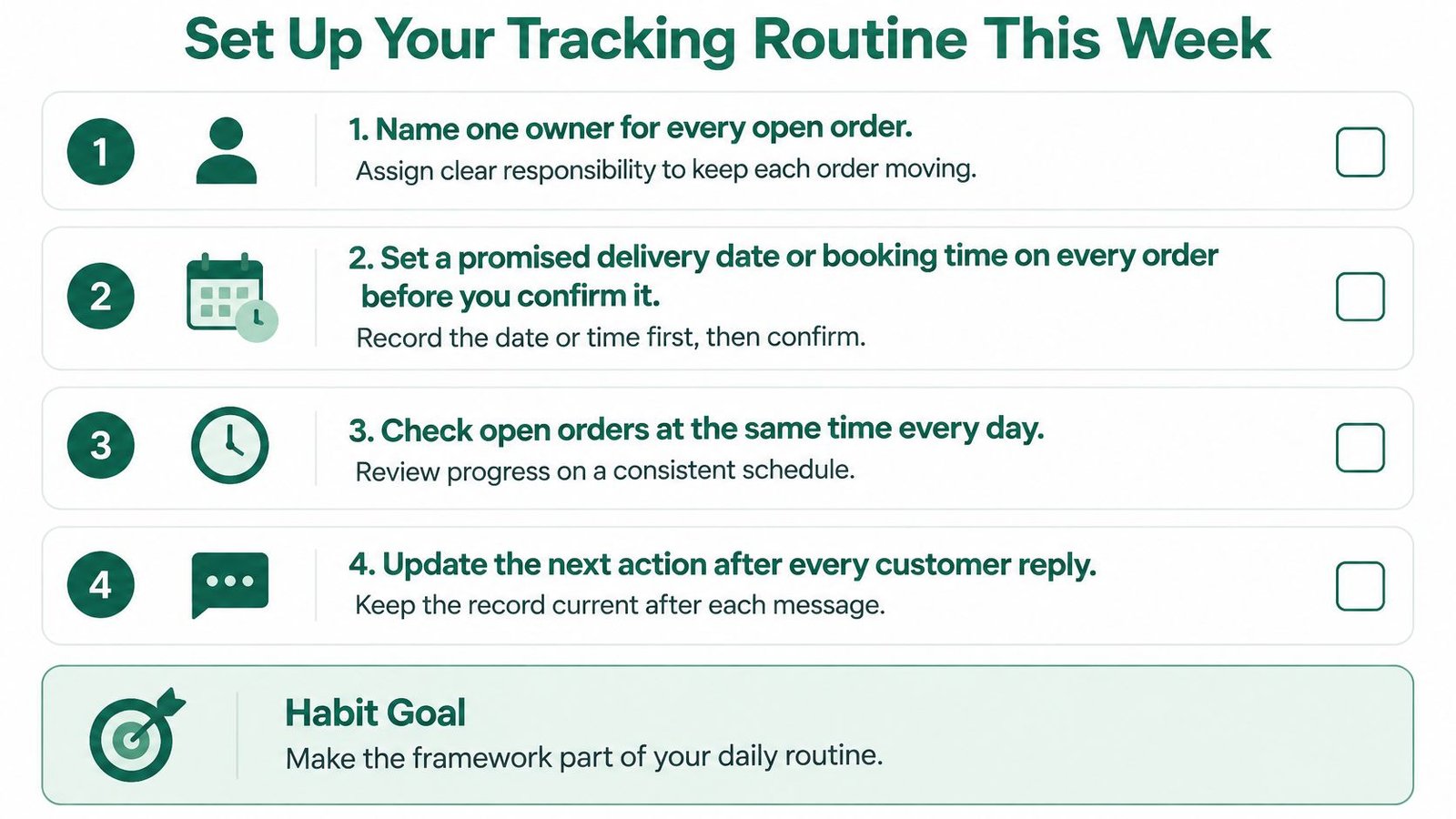
- Name one owner: Every open order gets a single responsible person.
- Set the promise first: Put a promised delivery date or booking time on every order before confirming it.
- Run the daily check: Find paid orders with no owner or no next action, and fill both gaps.
- Run the weekly check: Review overdue dispatch, open flags and access links not opened.
- Confirm retention rules: Check the retention rule with an accountant before deleting any records.
Three measures worth watching
Measure three things each month, with cancelled and refunded orders included in the denominator. The on-time rate is orders completed by the promised deadline divided by eligible completed orders. The exception rate is orders needing manual action divided by all paid orders. The dispute rate is disputed orders divided by all paid orders. Together they show whether problems come from slow fulfilment, fragile handovers or unclear expectations.
Automation should stay within documented limits. On AmaJova, GET /developer/v1/orders returns up to 50 recent orders of the authenticated seller and requires the orders:read scope. The orders API does not provide a complete paginated order history, and it does not create orders, edit order statuses, issue refunds, cancel transactions, provide order webhooks or support pagination. Exports can support reporting, but the full order record belongs in the order page or a seller's own export, checked against platform documentation before any process depends on it.
Sellers who want payment, fulfilment, messages and dispute status held on one order record can build that routine around a single OfferLink with secure checkout for products, digital downloads, services and live sessions. Visit AmaJova to set up an offer and track each sale from payment through to completion in one place.