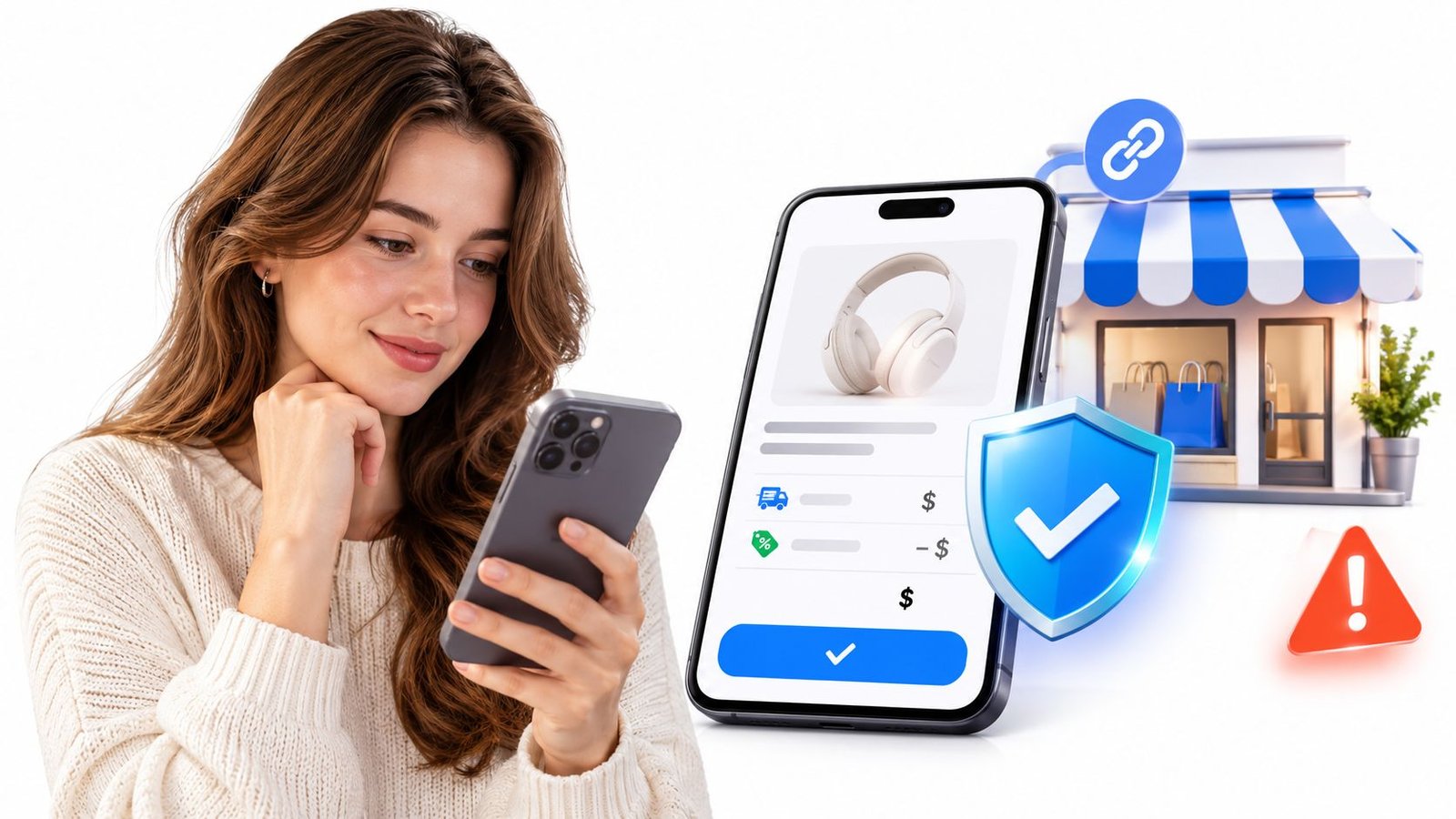
A message lands on a Tuesday evening. Someone whose work you follow is offering a 60-minute strategy session on Thursday for £120, and the message ends with a link and a cheerful "just tap to book". You're in the kitchen with your phone in one hand, wondering whether tapping is as routine as it looks.
A detail often catches shoppers out. A payment link can be perfectly encrypted and still lead to a transaction you'd rather not make. Those are two separate questions: is the checkout protected, and is the deal itself sound? Only one of them is answered by the padlock in your browser.
The problem runs in both directions. Sellers share links in good faith and get damaged when a copycat account lifts their logo and sends similar messages under a slightly different name. Buyers pay in good faith and find the session never happens. Working out which layer failed, and what to do about it, is a practical skill, and it's learnable in an afternoon.
Table of Contents
- What a Secure Payment Link Is and How It Works
- Checks and Fraud Patterns to Spot Before You Pay
- How Secure Checkout Confirms the Payment Is Genuine
- What the Order Summary Should Show Before Payment
- Set Up Your Payment Link Before You Share It
- How to Share Your Payment Link Safely
- Test Your Link and Know What to Do If Payment Goes Wrong
What a Secure Payment Link Is and How It Works
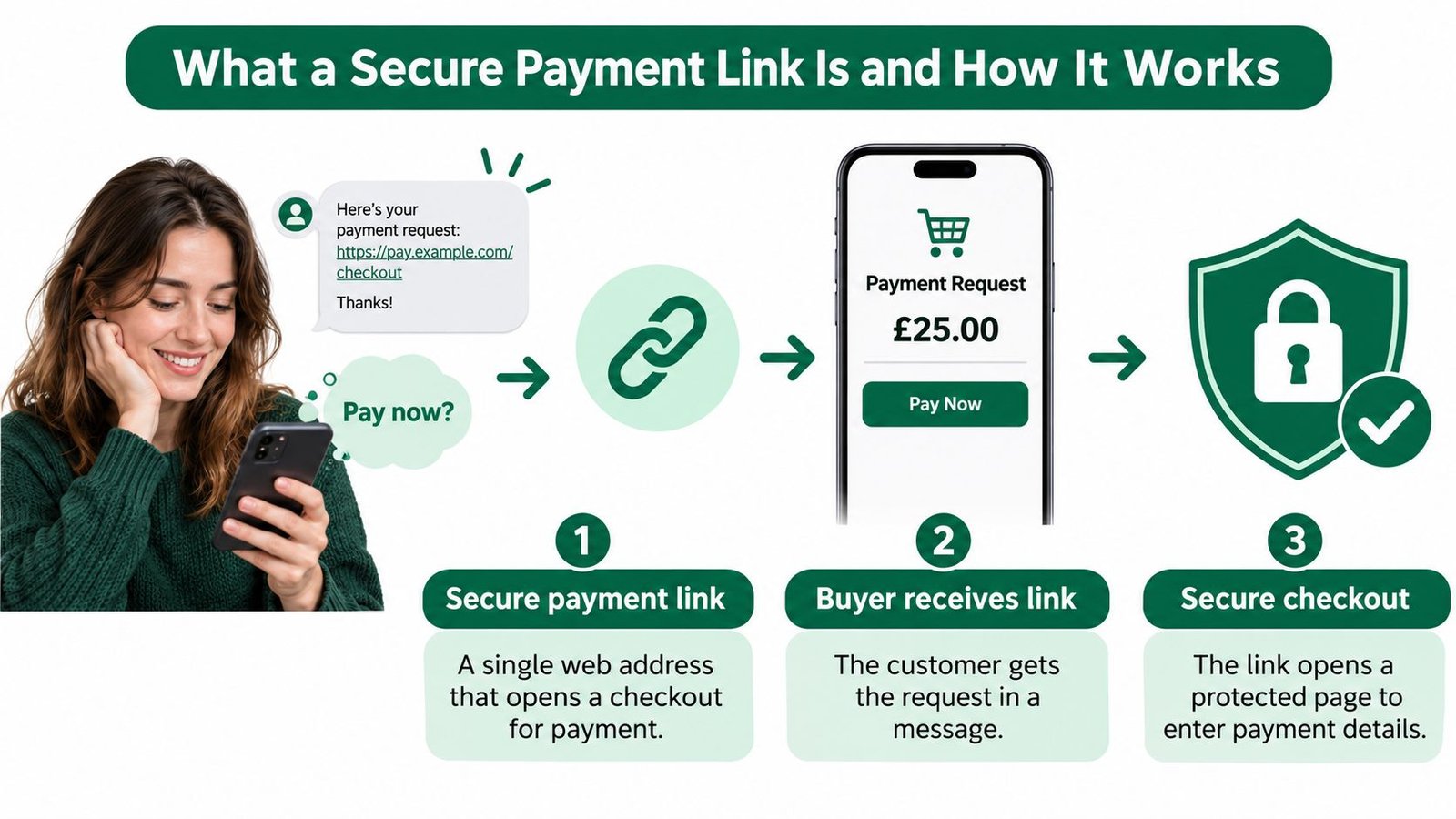
Think of a well-run shop. You push open the door, walk to a named counter, the till shows the price before you pay, and you leave with a receipt that matches what you bought. A secure payment link is the online version of that arrangement. It's a single web address that opens a checkout for one specific offer, where the buyer can see what's being sold, who's selling it and what happens after payment, and can then pay through a protected process.
What's replaced the pavement conversation is volume. Online spending accounted for 50.5% of total UK card spending in September 2025, up from 43.7% in September 2019, according to the Office for National Statistics. Every one of those purchases starts with a click, and increasingly that click is on a shared link rather than a shop front.
The Four Steps Behind Any Payment Link
- The seller builds the offer. Title, description, inclusions, price, and the fulfilment or booking details that tell a buyer when and how they receive what they bought.
- The link gets shared. In a bio, a reply to an enquiry, an email, a campaign, or an existing website.
- The buyer reviews and pays. The page states the offer, then hands off to a checkout run by a payment provider.
- A record is kept. Confirmation, order reference and delivery details stay connected to the payment.
What "Secure" Does and Doesn't Cover
Secure describes two things precisely: an encrypted connection between the browser and the page, and a payment step handled by a payment provider rather than collected by the seller's own page. It doesn't describe the seller's honesty, the quality of what's promised, or whether delivery will happen. A link can be technically flawless and still front a business that takes money and disappears.
The three-question test. What exactly is being sold, who is selling it, and what happens after the payment clears? If the page can't answer all three, the encryption is beside the point.
If the link points at a site you run yourself, uptime becomes part of that trust: a monitoring walkthrough for DevOps teams shows how to catch an outage before buyers land on a dead page.
Checks and Fraud Patterns to Spot Before You Pay
A genuine-looking checkout can still lead to the wrong seller. Before entering payment details, check who sent the link, where it leads and what the seller promises to provide.
| Check | What to look for | Red flag |
|---|---|---|
| Sender identity | The name matches the business you expected, confirmed through a separate channel | The name appears only in the message or changes between messages |
| Link destination | The domain matches the seller's known website or platform | A misspelling, added words or an unfamiliar subdomain |
| Offer details | The title, scope, inclusions and delivery or session timing are clear | A vague description or no way to contact the seller |
| Payment instructions | Payment happens through the checkout on the offer page | A request for bank transfer, gift cards or payment to a different account |
| Timing pressure | Any deadline matches the seller's published offer | Threats or pressure to skip checks |
| Order record | You receive a confirmation and order reference after payment | No confirmation, or follow-up only through a new channel |
The Four Patterns These Checks Are Built to Catch
These checks help you spot several different risks. Each calls for a different response.
- Stolen card details. Someone uses a card number without the cardholder's permission. A payment may appear normal to the seller, even though the cardholder did not authorise it.
- Impersonation. A copied logo, a similar business name or a domain with extra words can make a fake page look familiar. Check the actual web address, not just the branding.
- Non-delivery. Payment goes through, but the promised file, session or parcel does not arrive. Look for clear fulfilment details and a way to contact the seller.
- Fake confirmation. A message claims payment has landed and asks for another transfer to “release” it. Check your order record and payment status through the checkout, rather than relying on a separate message.
Who Is Actually Being Paid
Authorised push payment fraud happens when someone is persuaded to send money to a recipient they did not intend. Card payments and bank transfers can have different recovery routes, so check the named recipient and payment method before confirming. Reading how to choose safe payment methods online can help you compare those options.
No single check proves a transaction is safe. A fraudulent page has to get the sender identity, destination, offer and payment details right at once, which is why checking several together matters more than relying on any one.
How Secure Checkout Confirms the Payment Is Genuine
A buyer approves a payment in a specific way: with evidence that they control the account or payment method. For remote card payments, Strong Customer Authentication (SCA) generally uses two independent factors from three categories: something the customer knows, something they hold, or something they are. The requirement comes from the Payment Services Regulations 2017 and is set out in the FCA's technical standards on strong customer authentication.
| Factor | Example | What it confirms |
|---|---|---|
| Knowledge | Password or PIN | The payer knows a secret only they should hold |
| Possession | Registered phone or banking app | The payer controls a device they registered |
| Inherence | Fingerprint or face scan | A biological feature matches the payer |
| Dynamic linking | Approval for a stated amount and payee | The approval applies to this payment |
What a Well-Built Checkout Does With That Approval
A secure checkout connects the payment approval to the transaction, rather than treating a code or prompt as proof on its own.
- Uses a payment provider's checkout. Card details are entered into the provider's payment flow, not sent through an ordinary message.
- Requests extra confirmation when required. This might be a 3-D Secure screen or a prompt in the customer's banking app.
- Uses one-time codes for one attempt. A code is not meant to approve later payments.
- Links approval to the amount and payee. Dynamic linking means approval for one amount and recipient cannot be reused for a different one.
- Keeps the payment record. AmaJova connects payment and authentication status to the order, giving the buyer and seller a record to refer to if a question arises.
Some payments are exempt from an extra challenge, so the absence of a prompt does not by itself show that checkout is unsafe. Pay attention to where the payment is being made and whether the checkout is connected to the offer and seller you intended to pay.
Bank-based checkout confirms payment differently from card authentication: the buyer approves it through their own banking app. AmaJova's secure checkout guide explains how the offer, amount and payment confirmation fit together. If a seller uses Stripe, Fundl's guide to Stripe verification covers account checks, a separate matter from confirming a particular payment.
A checkout confirmation should match the payment you just approved. Check that it names the seller and gives the amount, then make sure it relates to the order you placed. A secure checkout reduces some risks, but it cannot guarantee that the offer itself is genuine or that the seller will fulfil it.
What the Order Summary Should Show Before Payment
Before pressing confirm, a buyer should be able to answer one question without scrolling: what exactly is being paid for, and what arrives afterwards? A summary that answers it takes seconds to read and prevents most of the arguments that follow.
| Field | What to show | Why it matters |
|---|---|---|
| Seller details | Legal name and contact route | Lets the buyer confirm who is selling |
| Offer scope | Exact title, inclusions and quantity | Shows what the payment buys |
| Fulfilment or booking | Delivery method, access steps or session timing | Sets expectations before payment |
| Price and currency | Price in the currency charged | Prevents surprises on conversion |
| Any buyer fee | Separate line, only where charged | Makes any added charge visible before confirming |
| Total | Final amount to be paid | Confirms the exact sum |
| Cancellation information | Cancellation terms and route | Supports informed consent to the contract |
A worked example makes the fee line easier to spot. Say a seller offers a one-hour online session at £50 and passes a £2 buyer fee on to the customer. The summary should show £50 for the session, £2 on its own line and £52 as the total. If the page said £52, the buyer couldn't tell whether the extra £2 was a platform charge, a tax or a typo. Where a seller passes a buyer service fee on, it's disclosed before the buyer confirms payment rather than appearing afterwards.
Currency deserves the same scrutiny. Payment methods and currency availability depend on the payment provider and the account configuration, so the currency shown at checkout is the one that counts, not the one in the original message or in a bio.
Why the Details Have to Survive the Payment
UK distance-selling rules put the obligation on the seller to give key pre-contract information clearly before the buyer is bound. That includes the information in Schedule 2 of the Consumer Contracts Regulations 2013 and, where a cancellation right applies, the model cancellation form in Schedule 3.
The practical consequence is that a summary can't live only on a page that might change next week. A copy should reach the buyer's inbox, or be downloadable, at the point of purchase, so the price, the scope and the terms can be checked later against what was agreed.
This matters most where a single page has to do a lot of work: a physical product shipped later, a download delivered instantly, a consultation booked for a future date, or a live session with a joining link. The summary is the contract in readable form, and anyone selling through one page should treat it that way.
Set Up Your Payment Link Before You Share It
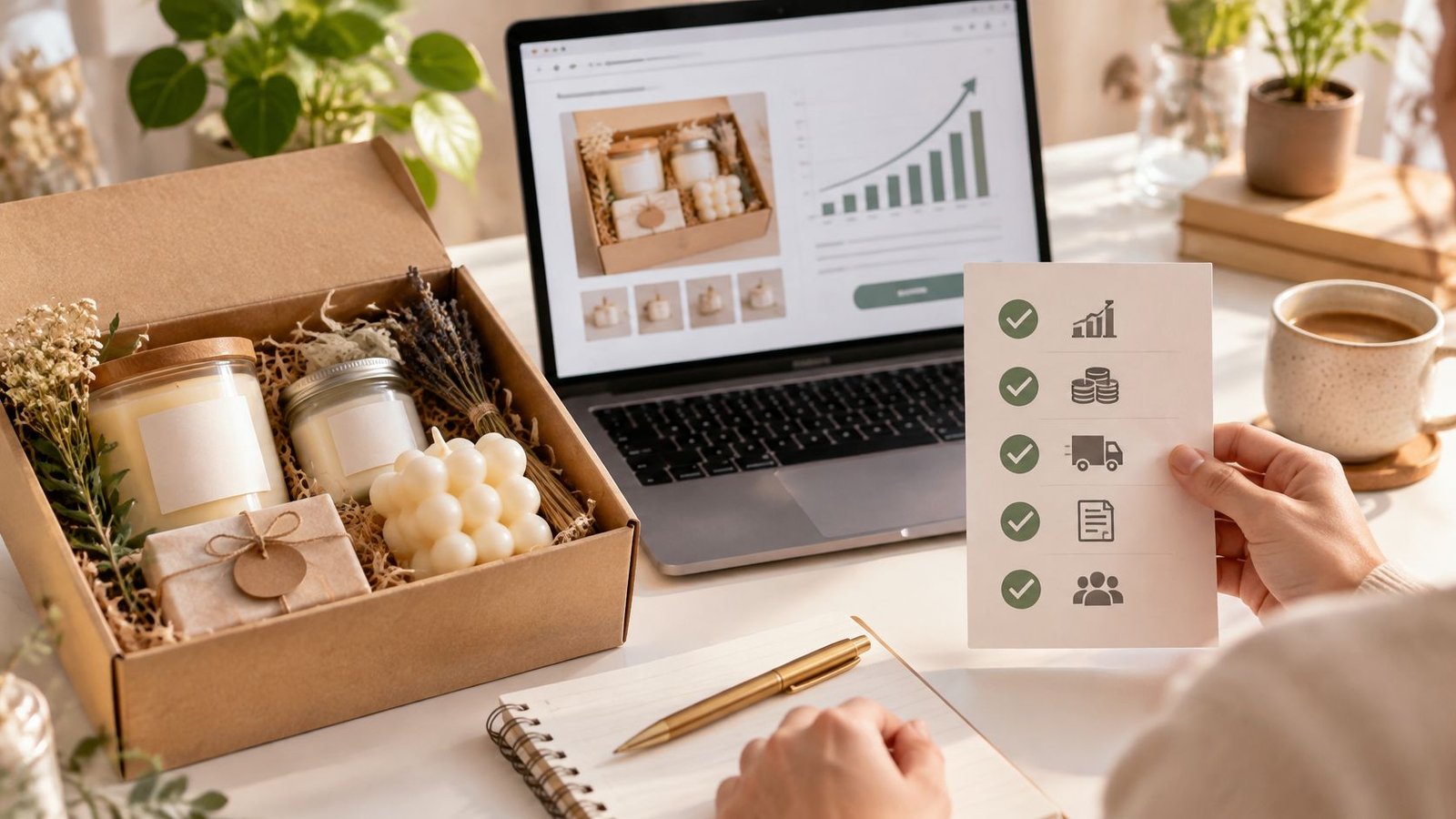
A payment link works best when buyers can understand the offer and what happens after they pay. Use this general checklist before sharing any payment link. AmaJova sellers can create an OfferLink in minutes, following an eight-step setup process.
- Describe the offer. State what you're selling, who it's for and what's included. Add relevant boundaries so buyers know what the offer does and does not cover.
- Set the price and fulfilment details. Explain shipping or collection for a physical product, access for a download, the expected turnaround for a service, or the booking details for a live session.
- Add FAQs and expectations. Answer likely questions before payment, such as how a buyer receives a download or what happens if a scheduled session needs to change. Only include rules you can honour.
- Create and share one link. An AmaJova OfferLink brings the offer, price, seller information, fulfilment details and a secure way to pay into one place. Sellers can share that single link wherever customers find them.
- Check the buyer's journey. Buyers should be able to understand the offer, check the details, pay, receive what they bought and confirm receipt. For a broader overview of how to accept payments online, see the payment methods and checkout considerations.
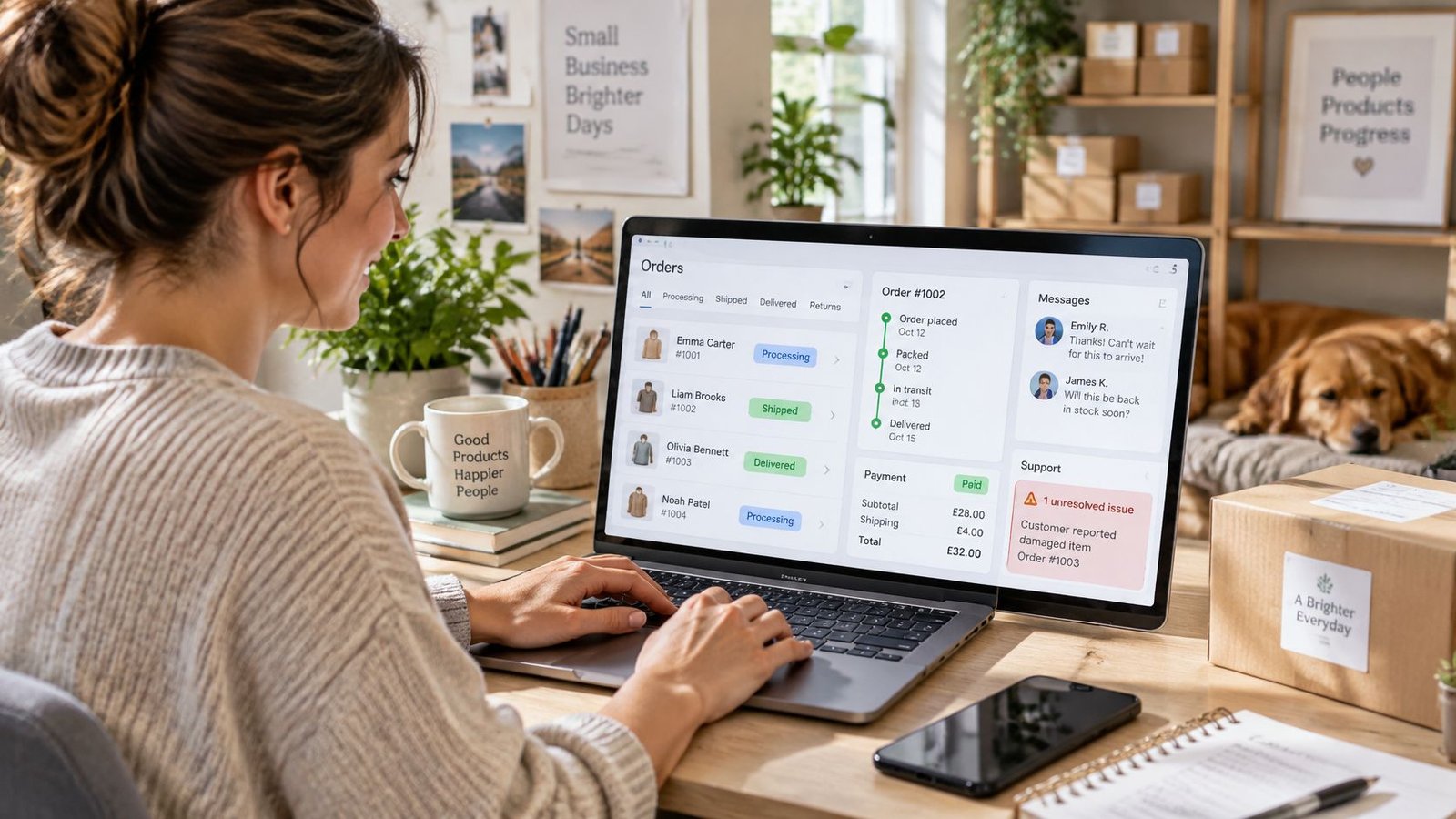
- Review the order process. Once a buyer completes checkout through AmaJova, an order record is created and the seller can begin fulfilment. Check that the offer's instructions make the next steps clear.
You don't need a separate website to create an OfferLink. The selling journey has four stages: create the offer, share the link, let customers order and pay, then manage and fulfil the order. A clear setup helps keep those stages connected, from the buyer's first look at the offer to fulfilment.
How to Share Your Payment Link Safely
A secure checkout protects exactly what happens inside the checkout. Everything around it, meaning the message that carried the link, the account that sent it and what the buyer was told before they clicked, sits outside that protection and needs its own care.
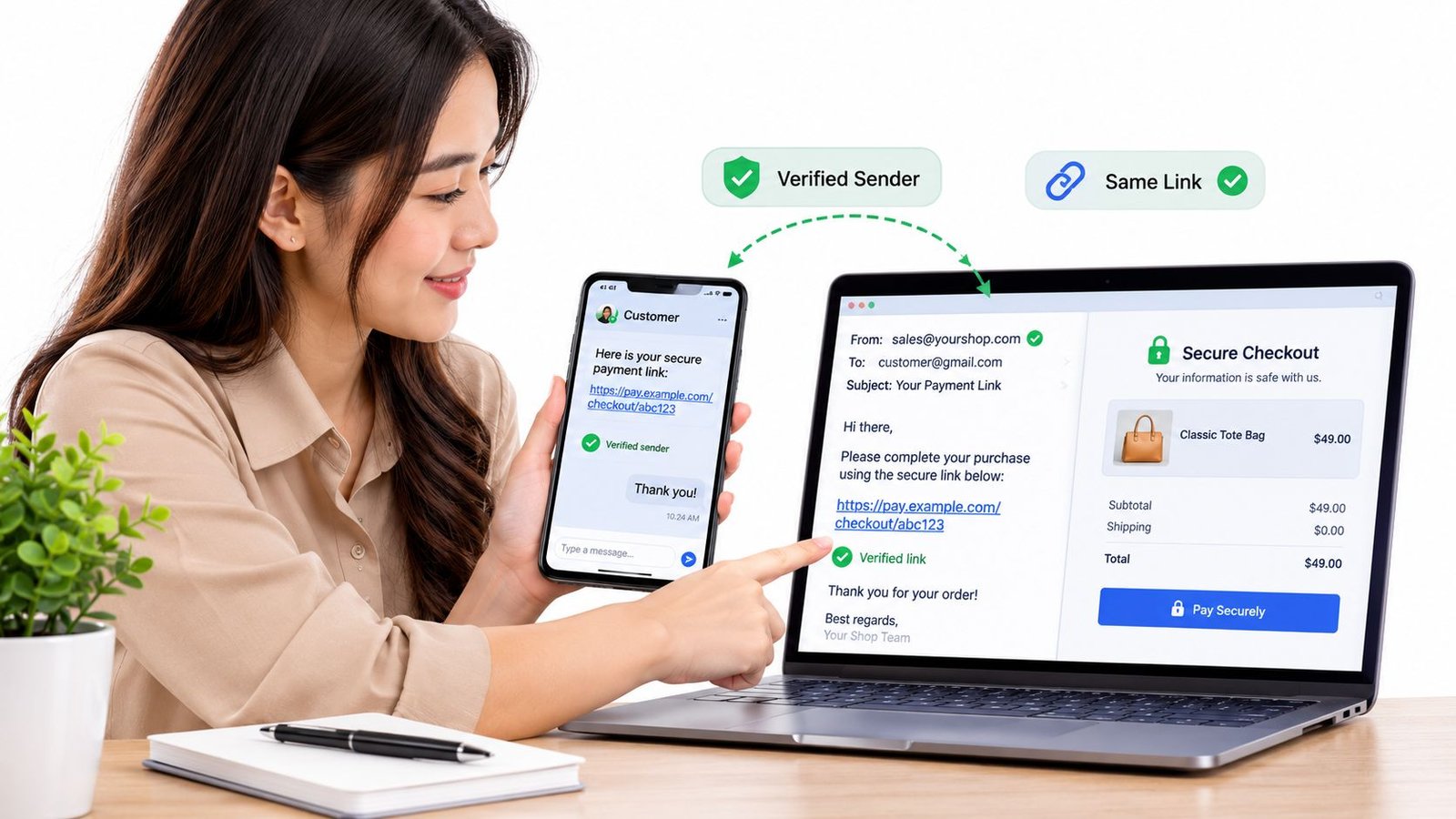
Share one address consistently. The same link in the bio, in replies, in email, in paid campaigns and on an existing site. Buyers learn one address to trust, and anything different stands out.
Keep the domain stable. The offer page and the confirmation should share a domain. A confirmation that arrives only as a screenshot inside a message is unverifiable by design.
State the payment route before anyone asks. One line on each post saying payment happens through the checkout on the offer page closes the gap a fraudster needs to suggest an alternative account.
Never ask for sensitive details in a message. No passwords, full card numbers, verification documents or full bank details. AmaJova's support request form asks people not to include any of these, and the same rule should hold in every message a seller sends.
Give buyers a route when something looks wrong. Someone who receives contact that looks like yours but isn't needs a known address to check against and a reporting route. Publish both, and keep them findable.
Marketing consent is where sellers most often slip. Paying through a checkout doesn't grant permission for promotional messages later. GOV.UK's guidance on direct marketing sets out the requirement to obtain permission when collecting customer details for other offers or promotions, to be able to prove that permission, and to respect a customer's right to stop direct marketing. Marketing emails to individual customers generally need permission, and customers must also be able to object to contact by phone, post or email.
In practice that means a separate, unticked opt-in recorded with a date. A mandatory checkout tick for order updates isn't consent for anything else, and treating it as though it were turns a compliant list into one that can't be used.
Tax treatment sits outside the checkout too. VAT and related obligations depend on what's being supplied, where the buyer is and whether an intermediary is involved in the sale, so the answer for a digital download sold abroad isn't the same as for a service delivered in person. Check HMRC's guidance for the specific supply, or take professional advice for your own position.
Test Your Link and Know What to Do If Payment Goes Wrong
When something goes wrong, the order of the steps matters more than the wording of the complaint.
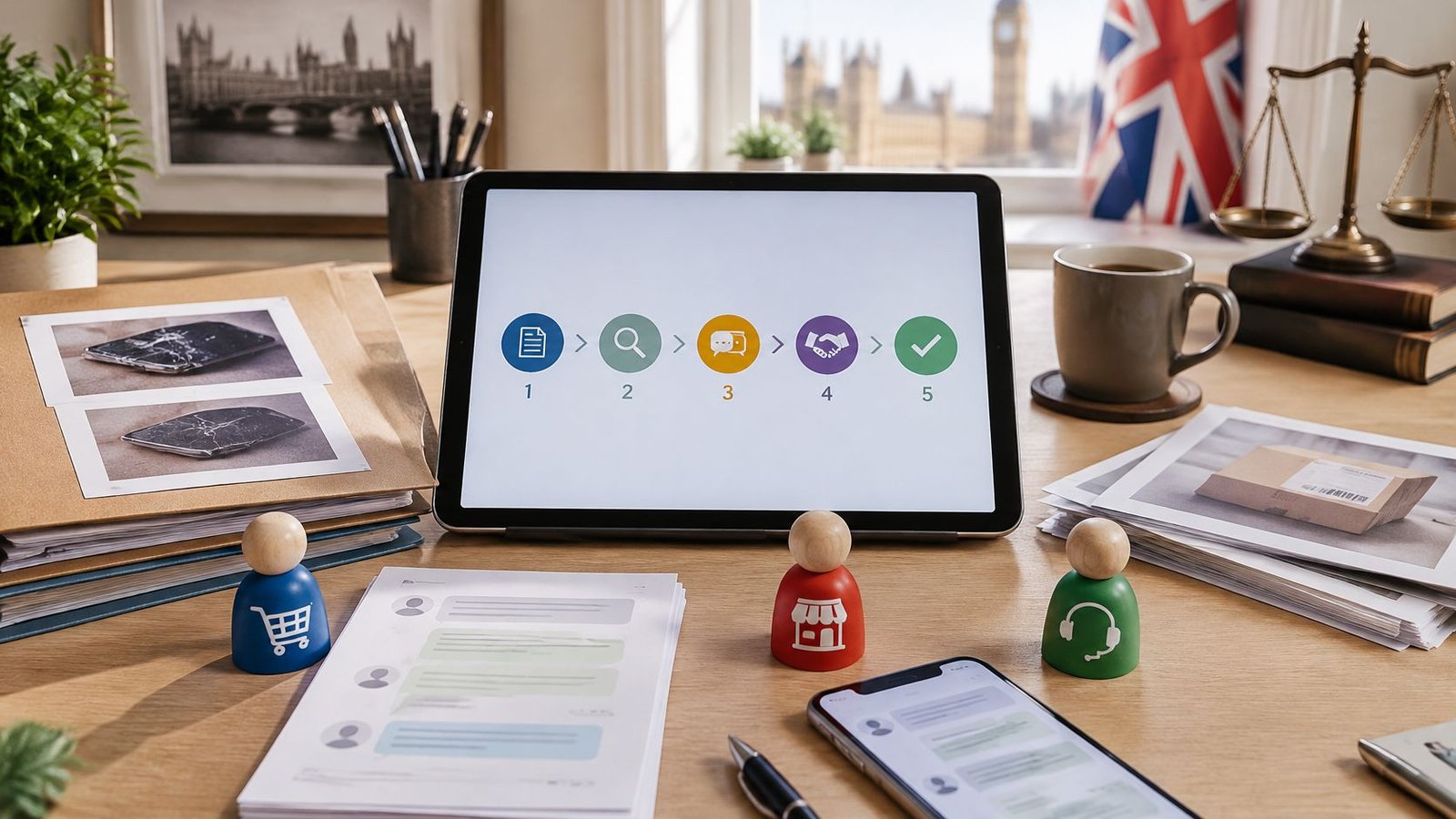
If a buyer reports a message that looks like yours. Keep a copy of it, including the sender handle and the link, and point them to the contact route published on the offer page. Don't negotiate inside the thread that delivered the fake message, because the person on the other end is the problem.
If a buyer has paid a suspicious link or sent money to a different account. They should contact their bank straight away. Speed is the single biggest factor in whether a payment can be recalled, so the call happens before the explanation is polished. They should then report it to Action Fraud, the UK's national reporting centre for fraud and cybercrime, and keep the link, the messages and any order reference as evidence.
If a payment arrives for an order you can't fulfil. Contact the buyer through the order record rather than a fresh message thread, explain the next step in plain terms, and apply only the terms already published. Improvising a policy mid-dispute rarely helps either side.
The platform's buyer protection information sets out the reporting routes available on AmaJova orders, which is where a buyer should look when both the seller and the checkout were real but the outcome wasn't.
One thing to run this week. Publish a single offer, then walk your own link through the buyer's checks as though you were a suspicious customer who'd never heard of you. Send it to one person you already know before posting it anywhere wider.
That exercise costs twenty minutes and tells you more than any badge on the page. If the summary is vague, the contact route is buried, or the confirmation comes from a domain you don't recognise, you've found the gap while it's still cheap to fix.
AmaJova turns a service, a physical product, a download or a live session into one OfferLink that holds the description, price, fulfilment details and a secure checkout in a single shareable place, so buyers see exactly what they're paying for before they confirm. Every order then carries its own record for messages, delivery updates and support, which is what makes a problem resolvable rather than a matter of memory. Create your first offer at AmaJova and run the checks above on your own link before you send it to anyone.